Connectivity is the first thing to sort out for a China trip, and it's the one thing you should decide before you board the plane. The choice you make shapes everything downstream: whether Google Maps loads at the arrivals hall, whether WhatsApp messages go through to family back home, and whether the taxi driver can call you when he can't find the terminal door.
china's mobile networks are fast, cheap, and completely self-contained. that last part surprises people. a friend of mine landed in shanghai last spring assuming his hotel wi-fi would cover him, then spent his first evening in the lobby because half his usual apps simply wouldn't load on any local network. ten minutes of setup at the airport would have saved him the whole night.

Decide on your connectivity while you still have unrestricted internet. Some setup steps (buying an eSIM, downloading offline maps, installing apps) are hard or impossible to finish after you arrive. Everything in this guide can be done at your kitchen table.
Three ways to get online
Visitors to China choose between three options, and each has a clear best-fit case:
-
1. Roaming travel eSIM (recommended for most trips)
Buy online before departure, install by scanning a code, and it works the moment you land. A 10 GB plan runs roughly $12-27 depending on the provider. The interesting part: because your data exits through an overseas carrier, your usual apps typically keep working as they do at home.
-
2. Your home carrier's roaming
Zero setup, keep your own number, everything works exactly like at home. The catch is price, commonly $10-15 per day. Fine for a week-long trip on a company account; painful for anything longer.
-
3. A local SIM card from the airport
Bought in person with your passport once you land, around ¥100-200 for 30 days of fast data. You get a real +86 phone number, which local apps love. The trade-off: a local SIM sits on the domestic network, so Google, WhatsApp, Instagram, and friends won't load on it.
The rest of this guide walks through each option in detail, then shows the dual-SIM setup that mixes the two.
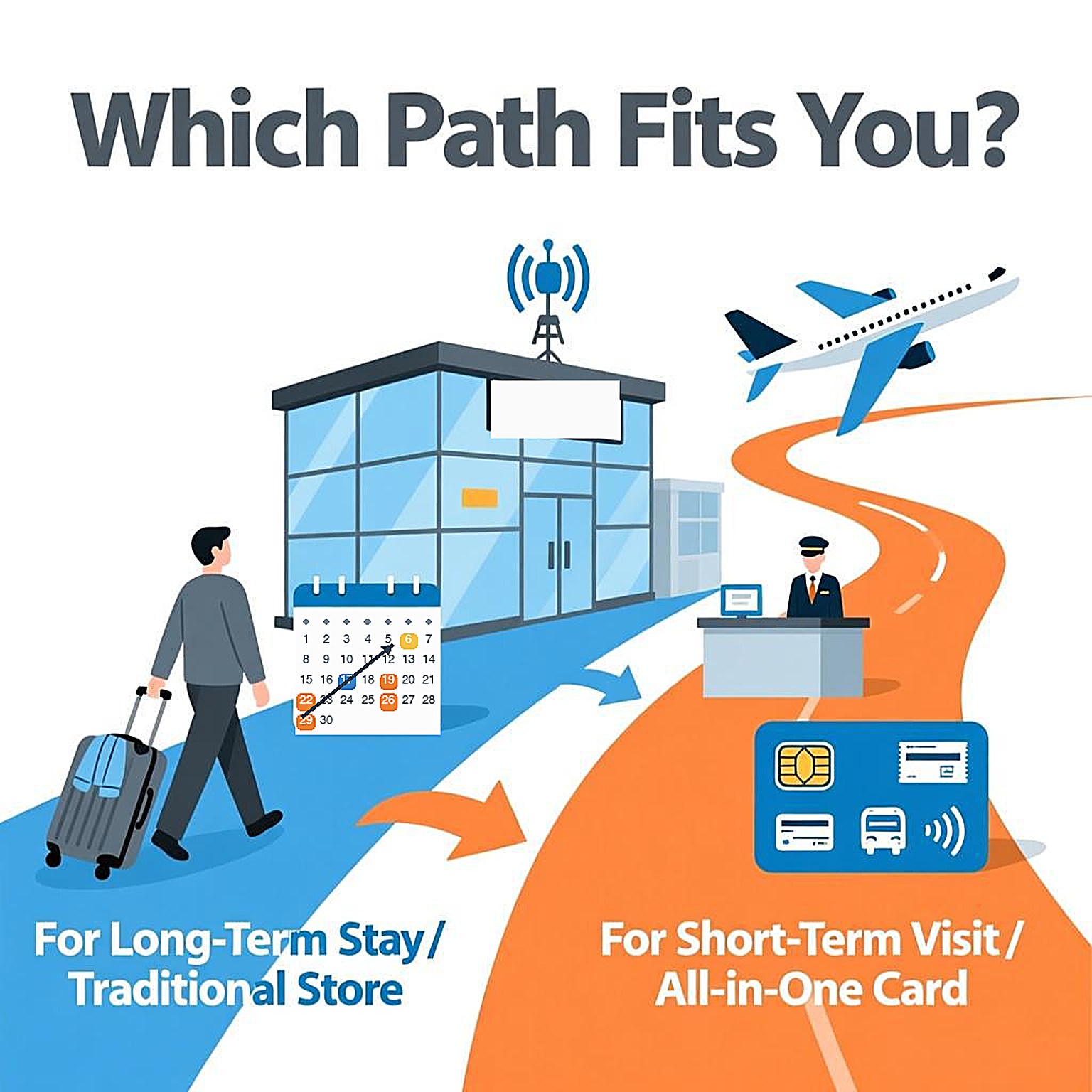
1. Roaming eSIM: the best fit for most visitors
A travel eSIM is a digital SIM profile you download onto your phone. Providers selling China plans fall into two types: ones that route your traffic through overseas carriers, and ones that behave like a local connection. For a short trip, you want the first type, because the overseas routing is what keeps Google Maps, WhatsApp, Gmail, and Instagram working without extra tools. Not every plan does this, so read the plan description and look for an explicit mention of overseas app access before paying.
Data-only is the norm: no Chinese phone number, no voice calls over the cellular network. Calls and texts happen over data apps instead, which is how most people communicate anyway.
- Check your phone, eSIM works on iPhone XS and newer, Samsung Galaxy S20 and newer in most markets, and Google Pixel 3a and newer. Your phone must also not be carrier-locked. If you bought it on a contract, confirm with your carrier first.
- Buy before you fly, Compare a few providers on price and plan length. For a 5-7 day trip, 3-5 GB covers maps, messaging, and browsing; add more if you stream video or make video calls.
- Install the QR code at home, The code arrives by email right after purchase. On iPhone go to Settings, Cellular, Add eSIM. On Android it's under SIM Card Manager. Installation takes under a minute. Do it on the couch, not in an airport queue.
- Leave it switched off until you land, Most plans only start counting days when the eSIM first connects. Keep it dormant on the flight.
- Switch it on at the arrivals gate, Enable the eSIM for data, turn data off on your home SIM (more on this below), and open a map to confirm it works before you leave the airport.
One honest caveat: routing behavior can change, and no provider can guarantee access to every app in every city. Check recent reviews for your specific plan, and treat "your apps typically work" as the realistic expectation rather than a promise.
2. Home carrier roaming: zero effort, full price
If your trip is under a week and someone else is paying, your home carrier's roaming package is the simplest path. Sign up before departure (usually one toggle in your carrier's app), keep your own number for calls and banking codes, and every app behaves exactly as it does at home, because your data exits through your home network.
Typical daily passes run $10-15 per day, and some carriers throttle speed after a daily cap. Before you fly, check three things: the daily rate, whether data counts against a cap, and whether bill protection is on so a background app sync can't quietly rack up charges.
3. Airport SIM card: for long stays and local numbers
Walking out of arrivals, you'll pass counters for China Mobile, China Unicom, and China Telecom. All three can register a foreign passport, but they aren't interchangeable. Unicom is the usual default for visitors: its network bands pair well with phones bought outside China, and its staff have processed more foreign passports than most. China Mobile has the widest coverage in rural and remote areas, which matters if your trip goes beyond the big cities. China Telecom is strongest in parts of southern China and sells short 7-30 day tourist packages suited to tight itineraries.

Your original passport, not a copy, with the visa page and entry stamp ready to show. If your stay runs beyond a few days, some branches also ask for your temporary residence registration slip: hotels fill this in automatically at check-in, while Airbnb guests need to register at the local police station first. And it has to be you in person, because the facial-recognition check means nobody can register a SIM on your behalf.
The registration itself is quick. A staff member scans your passport, takes your photo for the facial-recognition check, and activates the card, all done in minutes at an airport counter. A few smaller city stores have been known to turn foreign passports away simply because staff rarely handle them, so if you plan to buy away from the airport, call ahead. Weekday mornings are the quiet time, and counters at major international airports usually have English-speaking staff.
On price: airport counters cost more than city stores for the identical card, roughly ¥100-200 for a 30-day package with 20 GB or more and full-speed 5G in every major city. The same carriers' city-centre stores run noticeably cheaper once you're settled, often around ¥50 for a basic plan. Pay the airport markup on day one if you like, but know that the cheap option exists a metro ride away.
The +86 number is the real product here. Local apps use it for registration and verification: restaurant reservations, delivery riders calling you, museum bookings. Long-term visitors and anyone staying over a month will want one regardless of what they use for data.
The trade-off, again: a local SIM rides the domestic network, so the overseas apps listed below won't open on it. Long-stay expats usually carry two SIMs, local for daily life, a roaming eSIM for everything else.
What works on Chinese networks, and what doesn't
On any domestic connection (local SIM, hotel Wi-Fi, café networks), China's everyday super-apps all work normally and are excellent:
- Payments: WeChat and Alipay (both accept foreign cards)
- Maps and transit: AMap (English version available)
- Ride-hailing: DiDi, or through the Alipay mini program
- Food and shopping: Meituan, Taobao, JD.com
- Translation: the tools in our translation guide
What won't load on a domestic connection: Google (Search, Maps, Gmail), WhatsApp, Instagram, Facebook, YouTube, and most Western news sites. On a roaming eSIM or home-carrier roaming, all of these behave normally. If your entire trip runs on one of those two options, you'll barely notice the difference, except that Google Maps has patchy business data inside China anyway, so keep AMap or Apple Maps (which uses local map data and works without any workarounds) handy for actual navigation.
The dual-SIM setup most travelers land on
The setup that seasoned visitors converge on uses two lines at once:
- Home SIM on standby, Keep it in, with roaming enabled for receiving texts but mobile data switched off. This matters because your bank back home may still send SMS verification codes, and receiving texts while roaming is free or cheap on most carriers.
- Travel eSIM for all data, One line carries maps, messages, and everything else, at a price you fixed before the trip.
The single most important setting: mobile data fully off on the home SIM. Otherwise your phone can quietly fall back to home-network data and you'll meet a surprise bill in week two.
How much data you actually need
Plan on about 1 GB per day for maps, messaging, translation lookups, and browsing. Bump to 2 GB per day if you'll make video calls, stream video on trains, or tether a laptop. A 10 GB plan comfortably covers a week of moderate use, and unused data on most travel plans simply expires, so don't overbuy.
Common questions about getting online in China
Will my phone work in China?
If it's a smartphone bought in the last several years, yes. Chinese networks run on bands that nearly all international phones support, and 4G/5G coverage in cities is excellent. The only real gotchas are carrier-locked phones and, for eSIM use, models without eSIM support.
Do I need a VPN for my trip to China?
Most short-term visitors no longer need one, because a roaming-based travel eSIM already routes traffic overseas and keeps your usual apps working. If you already subscribe to a VPN at home and want it as a backup, install and configure it before you fly, since VPN provider websites and app stores inside China won't let you download them after arrival. Expect reliability to vary, especially around major holidays.
Can I just buy a SIM card at the airport when I land?
Yes. Counters for the major carriers sit in the arrivals hall of every international airport, and activation takes minutes with your passport. If you have a choice, Unicom is the safest bet for foreign phones and passports. Just know what you're buying: a local package with a Chinese number, which means overseas apps won't load on it unless you also carry a roaming eSIM. Airport counters also charge more than city stores, so if your trip is long, a city-centre store will cost less once you've settled in.
China launched domestic eSIM in 2025. Can I get one as a visitor?
Technically the service exists: in October 2025 the three carriers got approval to offer smartphone eSIMs inside China. For a foreign visitor, though, it's not a realistic path yet. Activation requires an in-person visit with real-name verification, handset support is limited to a short list of mainland-market devices, and whether a foreign passport is accepted varies from branch to branch. A physical SIM remains the reliable way to get a +86 number, and a roaming travel eSIM remains the reliable way to get data. The travel-eSIM-plus-airport-SIM combo covers everything the domestic eSIM would.
Does a travel eSIM give me a Chinese phone number?
No, travel eSIMs are data-only. That's rarely a problem for trips under a few weeks, since WeChat and Alipay handle most day-to-day contact. If a local number is required for something specific (long-term apartment hunting, certain reservations), get the airport SIM for the number and keep the eSIM for data.
Is hotel Wi-Fi enough on its own?
Not as a primary connection. Hotel networks ride the domestic internet, so the same app restrictions apply, and you're offline the moment you step outside. Free Wi-Fi exists in malls and cafes but is rarely worth depending on. Every option above costs less than the value of the first hour you spend not being lost.
How do I keep receiving SMS verification codes from my bank?
Keep your home SIM in the phone with roaming on and data off. Receiving texts abroad is free or cheap on most carriers, and your codes arrive as normal. Then let the travel eSIM carry all data. Test it before the trip by sending yourself a code while on airplane mode plus roaming.